We may bring our infrastructure into github and configure our own servers for a CI/CD pipeline
The servers that do the heavylifting are called “runners”, so we need to add runner into our Github Actions
click on actions > new runner or directly use that link https://github.com/organizations/<your-organization>/settings/actions/runners/new
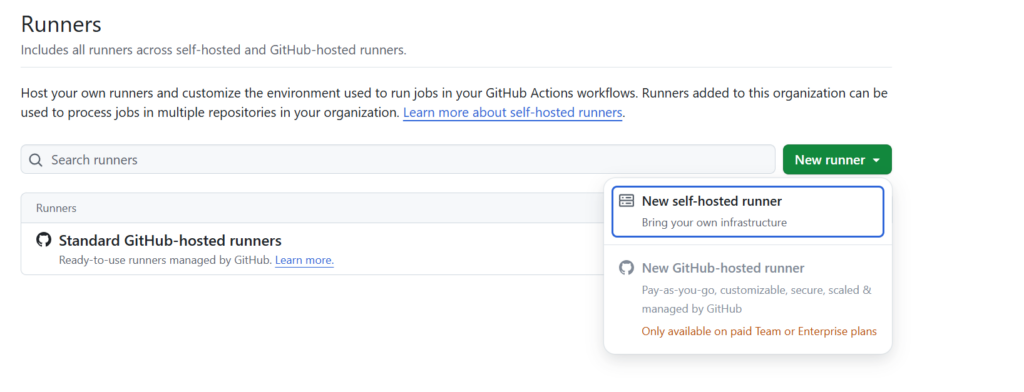
This allows the user to add a new self-hosted runner to github actions. We may also group these runners under runner-groups as well.
Github will provide instructions depending on the OS type the runner instance uses.
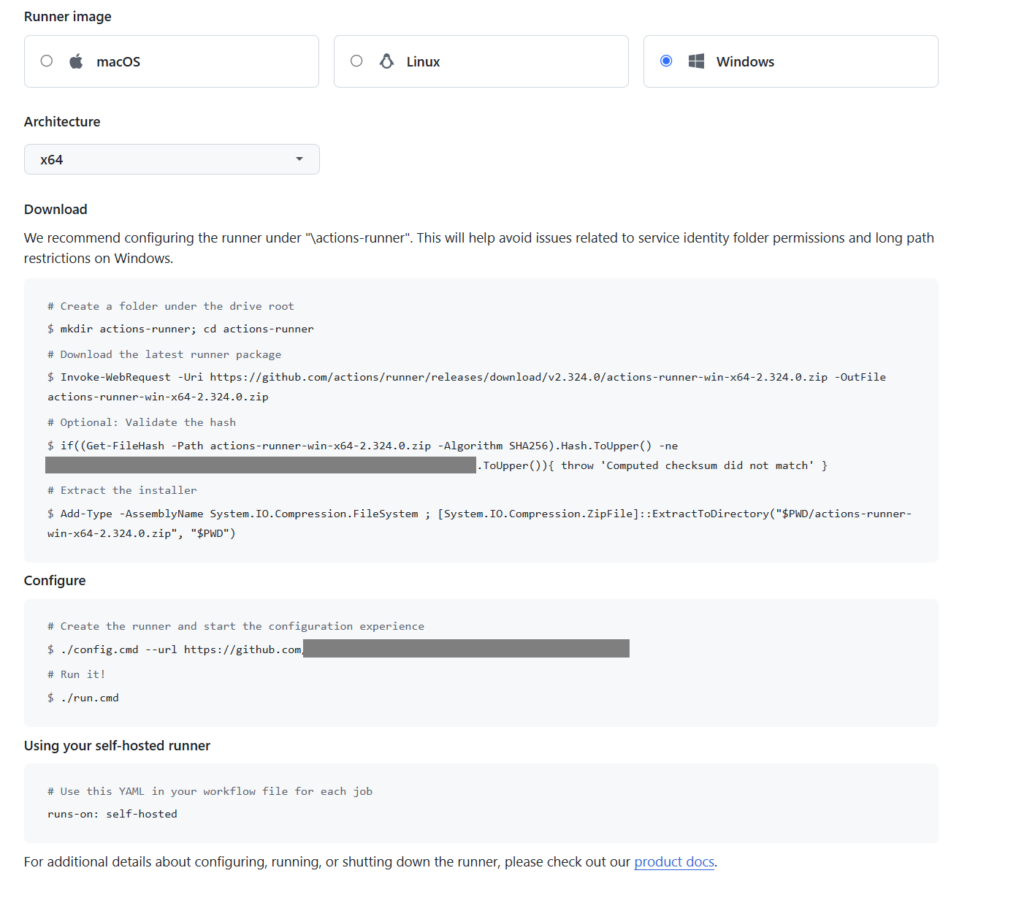
Then just follow the instructions for download,configure and run on the runner instance.
Note: If you get the error on a windows runner , “Powershell Invoke-WebRequest Fails with SSL/TLS Secure Channel” just use below command on powershell:
[Net.ServicePointManager]::SecurityProtocol = [Net.SecurityProtocolType]::Tls12After you finish download and start configuring the runner, the screen below will be shown in the powershell.
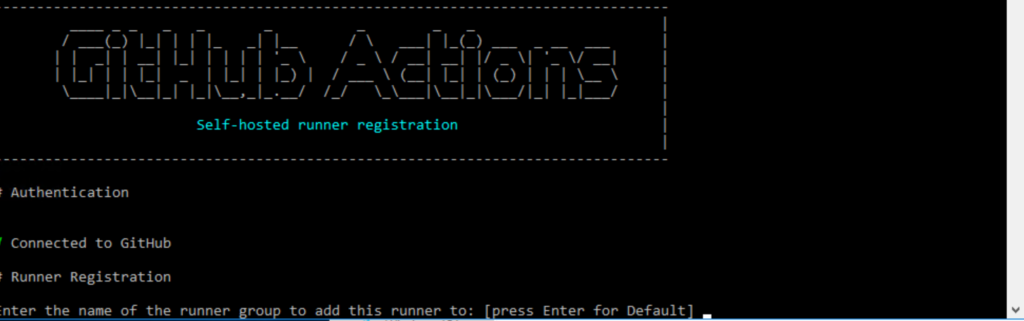
The config will ask for a several config labels (runner group, runner label etc.)
When the configuration is completed, just execute run.cmd. Self hosted runner will be ready for taking orders from Github.
